
Quote:
Originally Posted by
NehPets 
Please could you explain a little more about how your DragonFly is connected to your Galaxy Note 2? What version of Android are you running? What version of USB Audio Recorder Pro are you running? Is the DragonFly powered from the Note 2 or are you using a powered USB hub or USB Y-cable and external power supply?
I'm running USB Audio Recorder Pro 1.0.8 on my Galaxy Note 2 LTE (GT-N7105), which is running Android 4.1.1 and it can't initialize the USB device (DragonFly). I've tried powering the DAC directly from the phone, via the USB-OTG cable and also using a USB Y-cable and USB power supply, but neither of these works.
Thanks.
Usual question: Are you sure of your USB OTG cable?
You could test it using a simple USB mouse.
Otherwise, may be you should PM to the following guys:
http://www.head-fi.org/t/595071/android-phones-and-usb-dacs/1035#post_8959237
http://www.head-fi.org/t/595071/android-phones-and-usb-dacs/1515#post_9101416

Quote:
Originally Posted by
thecansmancan 
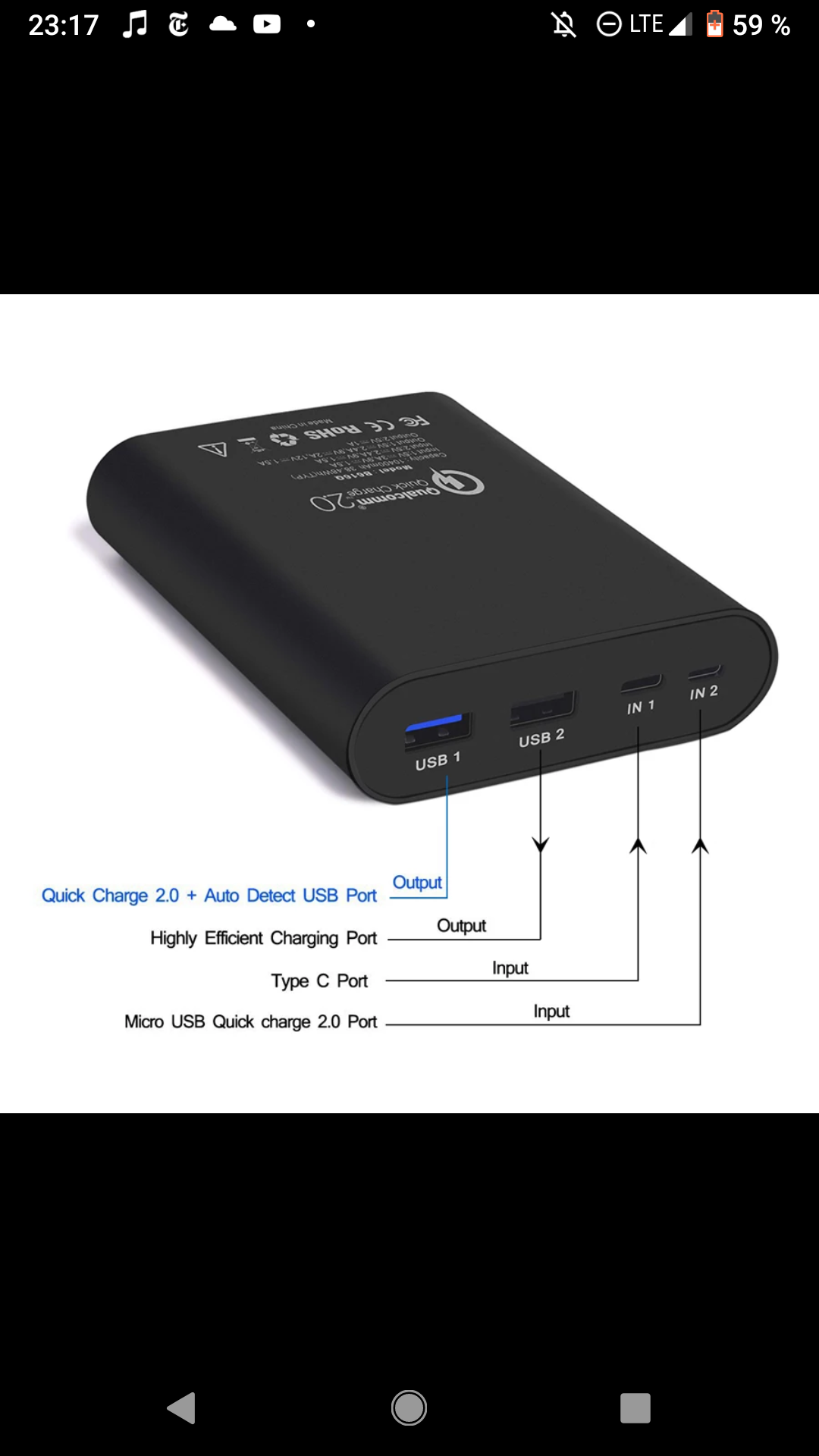
Hey guys, I'm back. I have another question. How much juice do you think I need to power an amp and a dac? Assume im using an android mini pc. And the usb line out on it. I was thinking something like this
. The company makes it in three sizes, that being the smallest. Do you think that will be enough, or do i need to get a more powerful one? And how long do you think it would last on something like that. Thanks so much. I really have no clue on this one so any help or personal experiences would be a great help.
5V/1A or 5V/3A, it depends on your Android mini PC, your bus-powered (i.e. 5V/0.5A) or self-powered USB DAC, and other USB peripheral.
Minix NEO X5 Android mini PC:
"DC 5V Power-in jack
Connect the 5V power adapter supplied in the package to this port.
MINIX NEO X5 requires less than 1A to operate however we have supplied a 5V 3A adapter with consideration that you need to connect to other power-drawing external devices such as an external hard drive."
http://www.minix-tech.de/download/MINIX-NEO-X5-quick-setup-guide.pdf
Quote:
Originally Posted by
thegrobe 
Hey, I have just rooted my Nexus 7 and am able to get USB audio out! This is pretty good stuff.
Unfortunately I have to reboot the Nexus each time I want to plug/unplug the DAC. Is there any way around this? If anybody can help me out with this, it would be great! I am too computer challenged to figure it out myself. ha ha
"This program should enable USB audio support on your Nexus 7 - that means you are able to plug and unplug a USB sound card without having to reboot in order for it to work."
http://forum.xda-developers.com/showthread.php?s=67d6d18ebc93a1617203c54b76f87b5d&t=2029728
Edited by DanBa - 2/11/13 at 3:45am
