











turokrocks
Headphoneus Supremus
- Joined
- Sep 23, 2011
- Posts
- 3,581
- Likes
- 138
Quote:
Cplay is the best and the cleanest player I ever heard.
http://www.cicsmemoryplayer.com/index.php?n=CPlay.Download
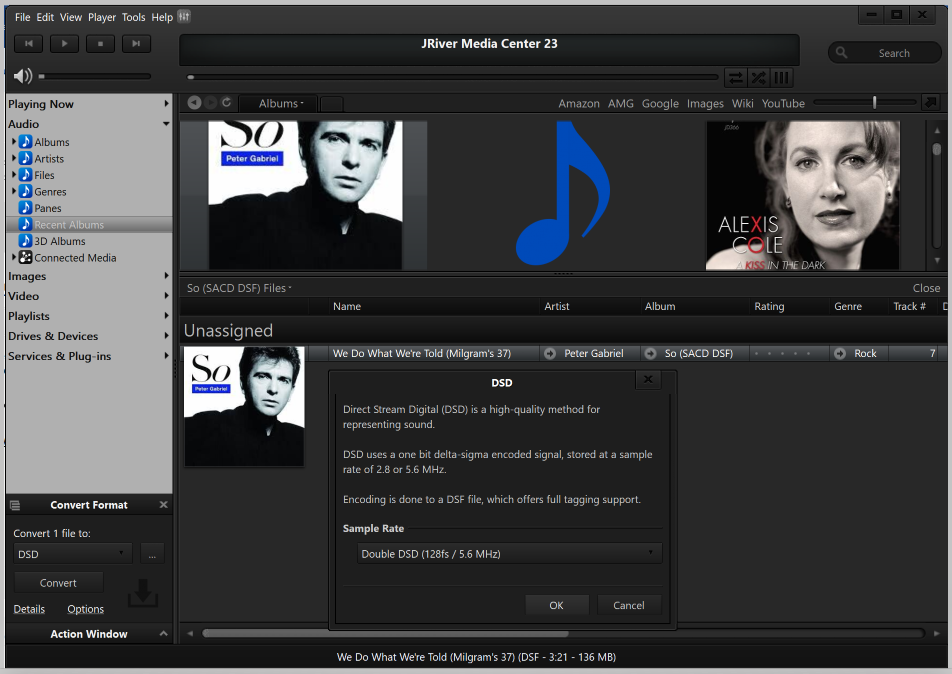
I spent a week of my time just to hear the difference between Foobar, jriver and cplay .
In the end Cplay was the winner with a margin.
I have a laptop configured/optimized to only run cplay, and it sounds amazing:
http://www.cicsmemoryplayer.com/index.php?n=CMP.07Optimisations
I would like to know how you find it.
It will take some time to understand how it works, but when it works!!!
Its mentioned in a previous post
http://www.head-fi.org/t/624517/audio-gd-nfb-11-32-delivery-impression-thread/225#post_8911655
Cplay>Jriver>foobar
turokrocks, thank you for the advice on the players, actually I've not tried many players, one player was winamp of an ancient version, and the second one was foobar which I've been staying on for years. Never tried other ones. I think it would be interesting to try Jriver18 and Cplay. Do you think they may sound with NFB 11.32 better than foobar? I heard that foobar is the most honest player used for digital transporting but I've never compared it with other players. Did you notice any difference when using Jriver18 and Cplay as compared to foobar?
Cplay is the best and the cleanest player I ever heard.
http://www.cicsmemoryplayer.com/index.php?n=CPlay.Download
I spent a week of my time just to hear the difference between Foobar, jriver and cplay .
In the end Cplay was the winner with a margin.
I have a laptop configured/optimized to only run cplay, and it sounds amazing:
http://www.cicsmemoryplayer.com/index.php?n=CMP.07Optimisations
I would like to know how you find it.
It will take some time to understand how it works, but when it works!!!
Its mentioned in a previous post
http://www.head-fi.org/t/624517/audio-gd-nfb-11-32-delivery-impression-thread/225#post_8911655
Cplay>Jriver>foobar


