
Head-Fi.org › Forums › Equipment Forums › Computer Audio › The foobar2000 resource thread
New Posts  All Forums:Forum Nav:

The foobar2000 resource thread - Page 4

post #46 of 56

Hi,


i have been trying to find the "foo_vis_vumeter.dll" file - do you know where i could download it safely from?


Thanks

post #47 of 56

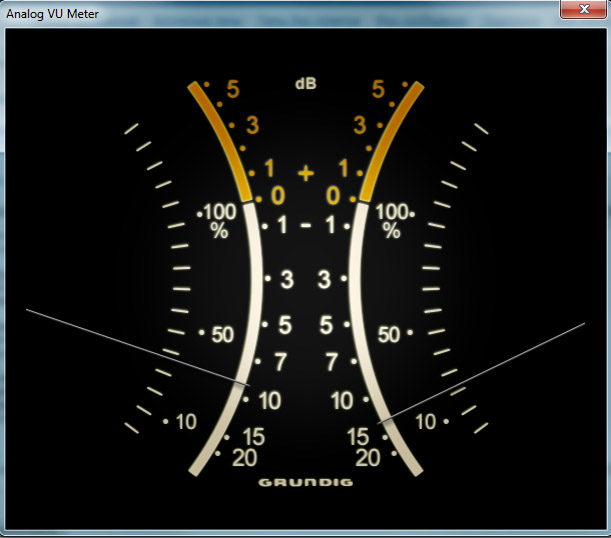
These meters are really cool for an old school guy like me. But I'm having a problem getting them to work. I'm using foobar portable 1.2.1 in Win7. I put  foo_vis_vumeter.dll and several of the meter skins (including Vu Meter by Mire (behringer yellow).bin) in the components folder. I even copied them to the user-components folder to see if that would help, but it didn't. When I open foobar and go to view_visualizations I don't see the new meters. I don't know what I'm doing wrong. Hopefully, you can tell me. Thanks!
 

post #48 of 56
Quote:
Originally Posted by dobro1 View Post

These meters are really cool for an old school guy like me. But I'm having a problem getting them to work. I'm using foobar portable 1.2.1 in Win7. I put  foo_vis_vumeter.dll and several of the meter skins (including Vu Meter by Mire (behringer yellow).bin) in the components folder. I even copied them to the user-components folder to see if that would help, but it didn't. When I open foobar and go to view_visualizations I don't see the new meters. I don't know what I'm doing wrong. Hopefully, you can tell me. Thanks!


I just repeated the installation in portable mode and it works. Here's what I did (in particular check the bold part):


Install foobar in portable mode.
 
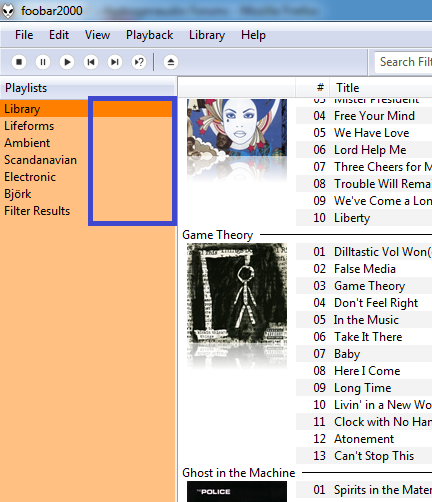
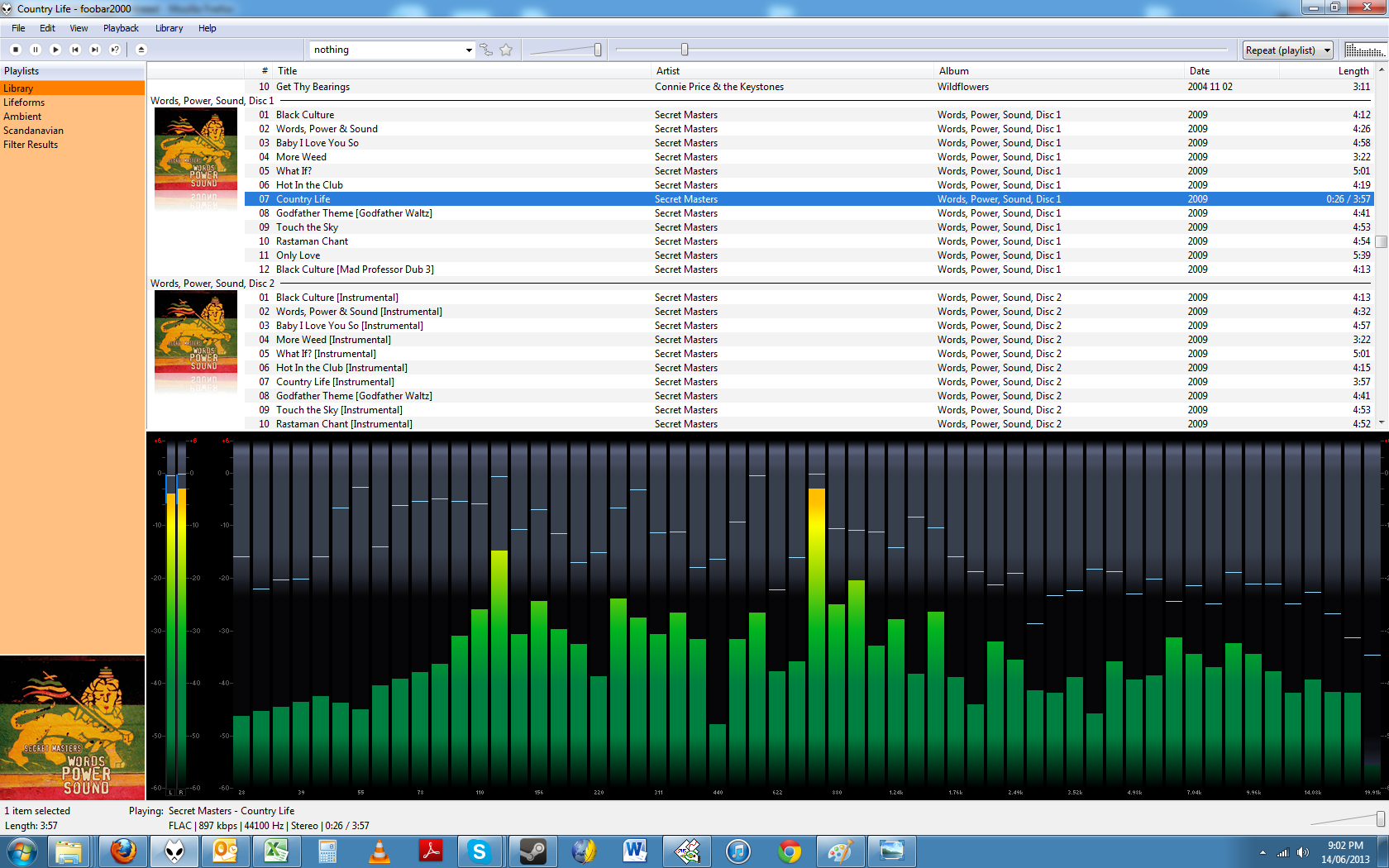
Select screen layout with Visualisations.
 
Place foo_vis_vumeter.dll in the Components folder.
 
Place the desired skin (.bin) files in the Components folder.
 
Restart Foobar2000, so it can register the added dll.
 
Select "View -> Layout -> Enable layout editing mode"  from the menu.
 
Right-click the tab area in Visualisations panel and select "Add New Tab".
 
Right-click the new tab and rename it to "Analog VU" or something else you like.
 
Right-click the visualisation display area and select "Add New UI Element".
 
Select the "Analog VU Meter" from the list. At this point one of the skins you have installed should start working. Don't forget to disable the layout editing mode when you're done.
 
Further customisation can be done by right-clicking the component and selecting some options.
Tuning of the VU meter sensitivity can be done through Preferences -> Advanced -> Display -> VU Meter (I'm using preamp 12dB and rise time 0.10s).
post #49 of 56

where can i download the foo_vis_vumeter.dll file?

post #50 of 56

I have extracted this link from the Russian foobar forum - it should be the latest version.

Anticipating the next question, here's a discussion thread (unfortunately also in Russian) with links to download several good skins.

post #51 of 56
post #52 of 56

Thanks for your help, i was able to download and insert the vu meters - very cool


Once again Thanks for everyone's help

post #53 of 56

Would be great the availability of  5.1 channel meters..

post #54 of 56

I have been using foobar for a week or two...and it has deleted my entire library twice.  It is still on my computer, but I have to re-add my songs.  Does anyone else have this problem...and how can I fix it?

post #55 of 56

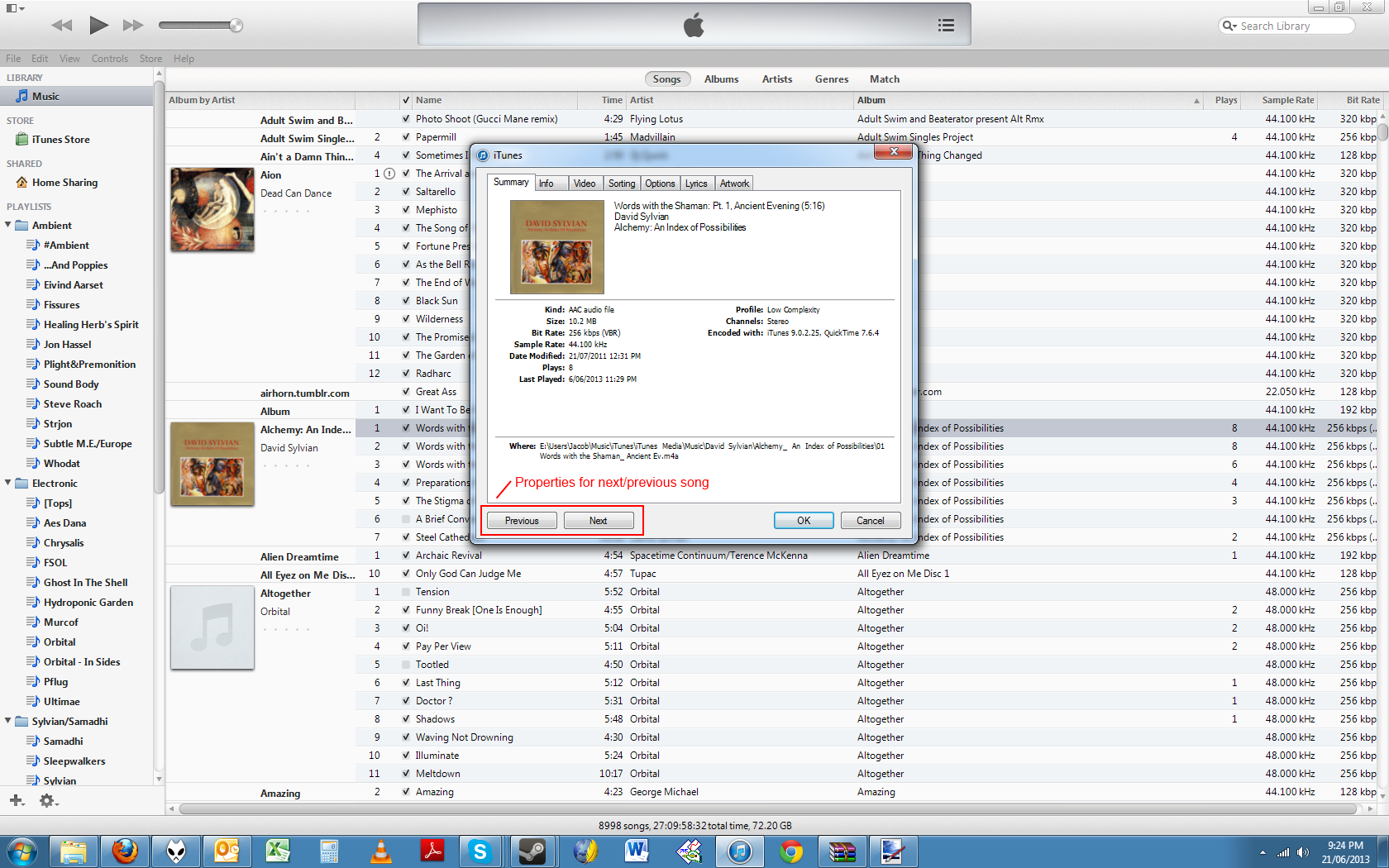
Foobar experts: So I caved and downloaded it today, installed it on my XP laptop.  Then spent the next two hours removing the many toolbars and unwanted apps that came along for the ride, fixing the mess it all made of my registry, and trying to get the machine back to normal.  Finally had to delete everything, it had my machine down to a crawl.  I think I'm back to zero now.


I'm assuming there's a "clean" version somewhere without all the junk apps?  


I know it's not a good comparison, but installing iTunes installs only iTunes, which then will uninstall easily the first try.

post #56 of 56

Where did you download it from?


there is no extra junk (toolbars or apps) in the official installer.


http://www.foobar2000.org/download


foobar2000_v1.2.6.exe
3729256 bytes

CRC32: 957afa58
MD5: cd9b1bb26a7c40ef1c90ad24d53f0b40
SHA1: b0af83afa0c7f5d6ae90e6a1a292b0e20936042b


Edited by A_Man_Eating_Duck - 5/14/13 at 11:19pm
New Posts  All Forums:Forum Nav:
  Return Home
  Back to Forum: Computer Audio
Head-Fi.org › Forums › Equipment Forums › Computer Audio › The foobar2000 resource thread
