







bluemonkeyflyer
Headphoneus Supremus
- Joined
- Jan 20, 2011
- Posts
- 1,852
- Likes
- 406
MEMPHIS
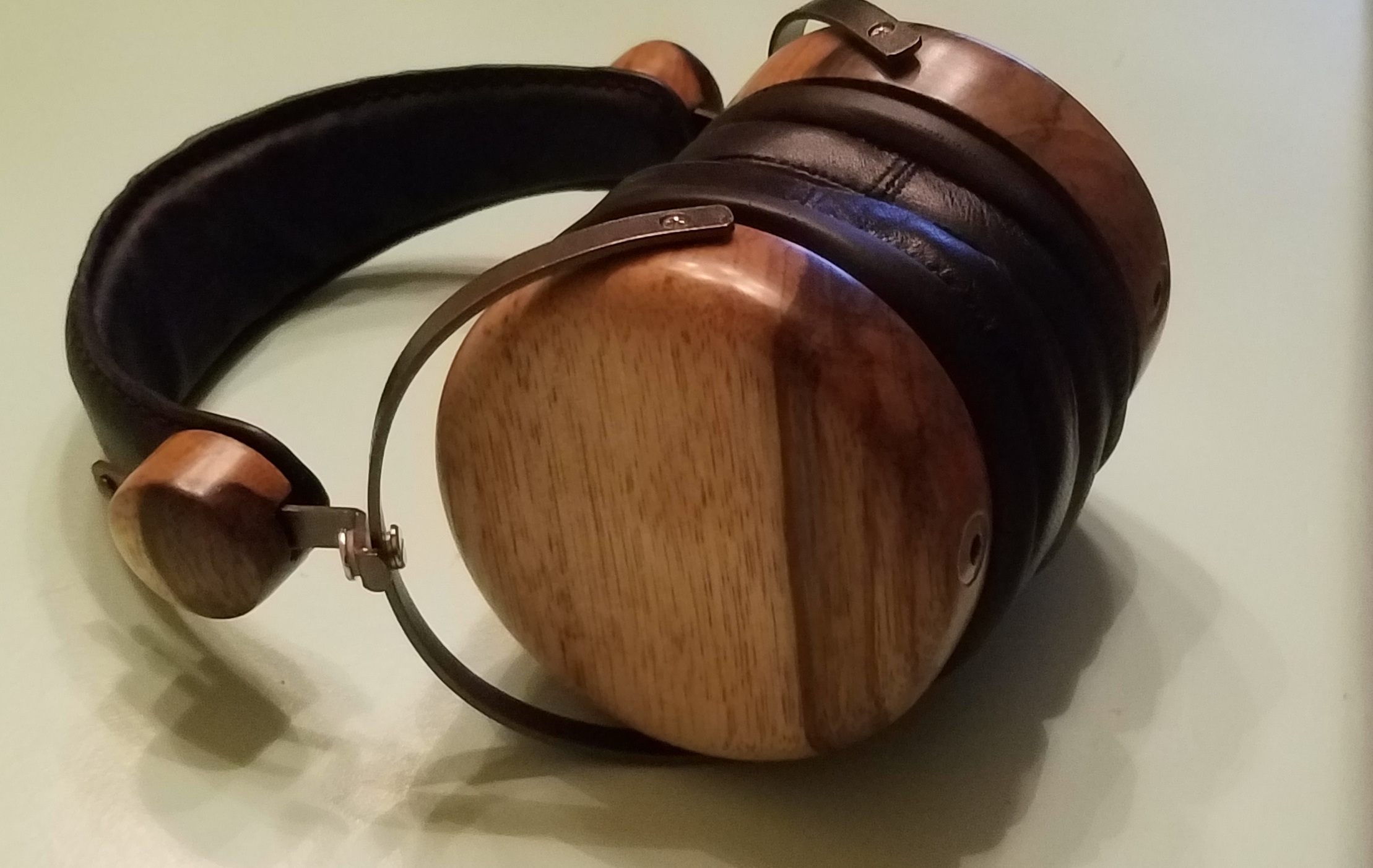
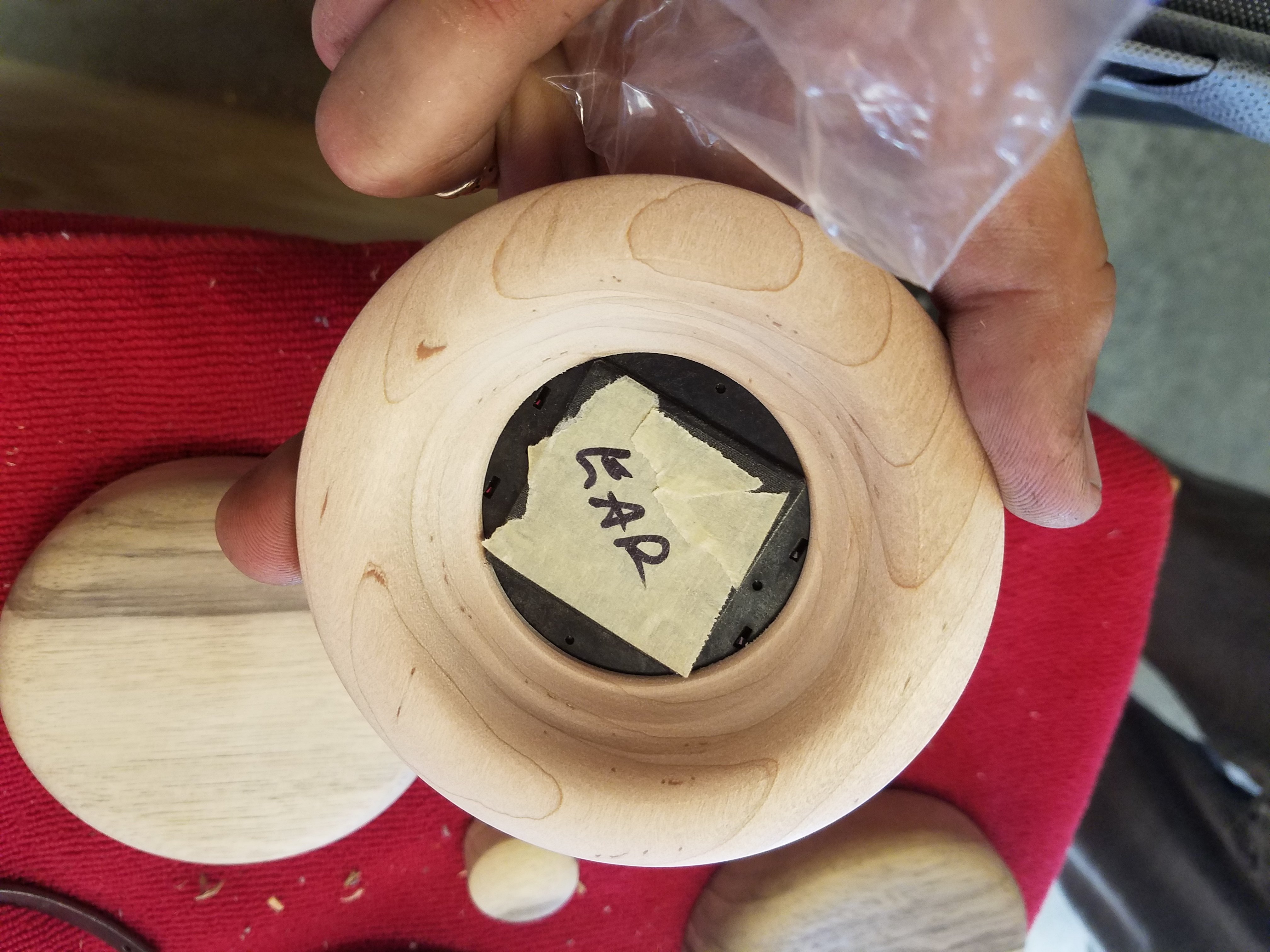
So, I stopped by my Midtown Memphis art supply store to pick-up some supplies just now. The clerk said someone else in Memphis had been in and bought a strange group of items: plasticine, felt, X-Acto knife blades, glue, etc. She looked mystified and said, "He said he is modifying headphones."

Imagine that; 2 people out of a million having headphone fun!
If you happen to see this post PM me. If anyone knows who this mystery person might be, let him know a kindred soul would like to swap "There I was" stories.
BMF
So, I stopped by my Midtown Memphis art supply store to pick-up some supplies just now. The clerk said someone else in Memphis had been in and bought a strange group of items: plasticine, felt, X-Acto knife blades, glue, etc. She looked mystified and said, "He said he is modifying headphones."
Imagine that; 2 people out of a million having headphone fun!
If you happen to see this post PM me. If anyone knows who this mystery person might be, let him know a kindred soul would like to swap "There I was" stories.
BMF


